
SoundCloud to MP3 & Audio Tools
Download from SoundCloud or convert your audio into WAV | MP3 | FLAC | M4A — all in one place.

Got your track? Now do more with SCloud.
Convert your own audio files to the format you need — right in your browser.
SCloud Audio Converter
Convert your audio files to MP3, WAV, FLAC or M4A.
Upload Audio
Choose up to 20 audio files from your device.
Choose each output
Select a different output format for every file.
That Was Quick, Right?
No waiting. No email sign-up.
You just got your song in 10 seconds.
🔐 Safe payment through Patreon • Stop anytime
SCloud Features
Soundcloud Downloads
Download supported SoundCloud tracks and playlists quickly from your browser.
SCloud Audio Conversion
Convert your own audio files between MP3, WAV, FLAC and M4A formats.
High-Quality Audio
Choose the format and quality that works best for your listening or editing needs.
Fast Browser-Based Tools
Process your audio directly in your browser without installing extra software.
Free & Pro Options
Start with SCloud’s free tools or upgrade to Pro for more features, higher limits and added flexibility.
Browser Extension
Use the SCloud browser extension for a faster, more seamless way to access your audio tools.
Works on Every Browser
Our tool works perfectly across all major browsers. No compatibility issues — just paste and download.

Chrome
Fastest performance, recommended for bulk downloads

Safari
Works great on iPhone and Mac, auto-saves to Downloads folder

Firefox
Privacy-focused users love this, works flawlessly

Edge
Windows users get smooth, fast downloads

Brave
All privacy features stay enabled, no conflicts

Opera
Built-in ad blocker won’t interfere with downloads
📱 Mobile Browsers Work Too
Chrome Mobile, Safari iOS, Samsung Internet, Firefox Mobile — all supported.
✓ Just open the site and start downloading, no matter which browser you prefer.
Simple plans.
More freedom with SCloud.
Start free and upgrade when you want unlimited downloads, powerful audio tools and a cleaner experience.
Free
Try SCloud with the essentials.
- ✓ 5 SoundCloud downloads per day
- ✓ MP3 downloads
-
✓Limited audio converter Try supported format conversions
- ✓ Free account
- ✓ Ads supported
Pro
For people who use SCloud regularly.
- ✓ Unlimited SoundCloud downloads
-
✓Enhanced audio conversion daily limit Convert between MP3, WAV, FLAC & M4A
- ✓ Playlist downloader
- ✓ MP3 export up to 320kbps
- ✓ WAV, FLAC & M4A conversion
- ✓ No ads
- ✓ Download history
- ✓ Faster processing
Annual
Everything in Pro, paid once a year.
- ✓ Unlimited SoundCloud downloads
-
✓Enhanced audio conversion Limits Convert between MP3, WAV, FLAC & M4A
- ✓ Playlist downloader
- ✓ MP3 export up to 320kbps
- ✓ WAV, FLAC & M4A conversion
- ✓ No ads
- ✓ Download history
MP3 ↔ WAV • WAV ↔ FLAC • M4A ↔ MP3 • FLAC ↔ MP3
Compare every feature and choose the plan that fits you.
Download Audio from SoundCloud with SCloud
Get your supported SoundCloud track in a few simple steps — right from your browser.
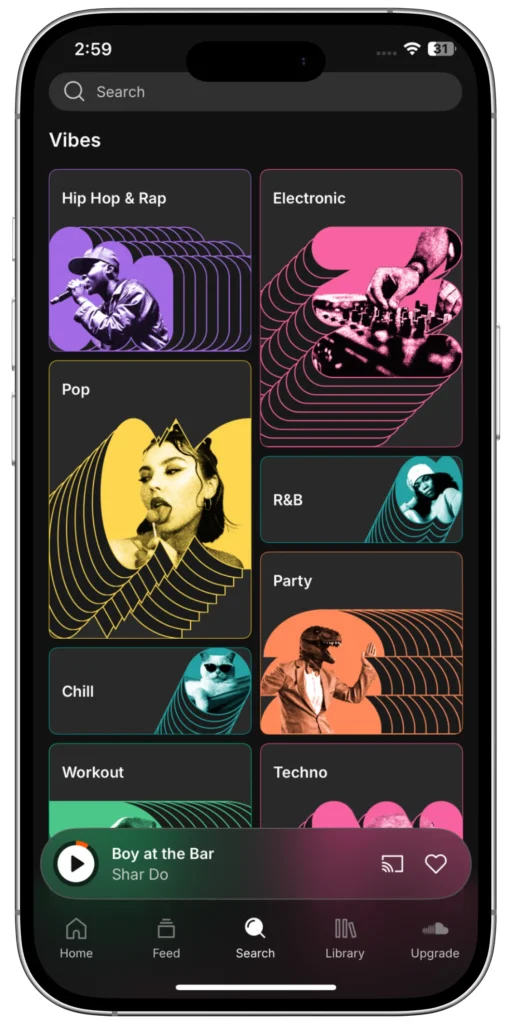
1) Find Your Track on SoundCloud
Head over to SoundCloud and find the song or mix you want to save. It can be anything — from the newest indie hit to your favorite podcast.
2) Copy the Track URL
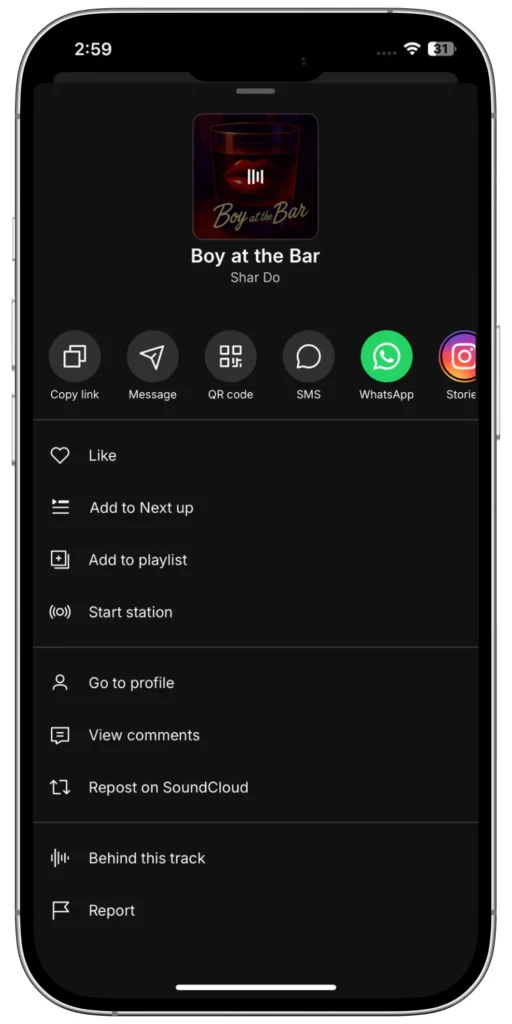
Look at your browser’s address bar and copy the entire URL of the track page.
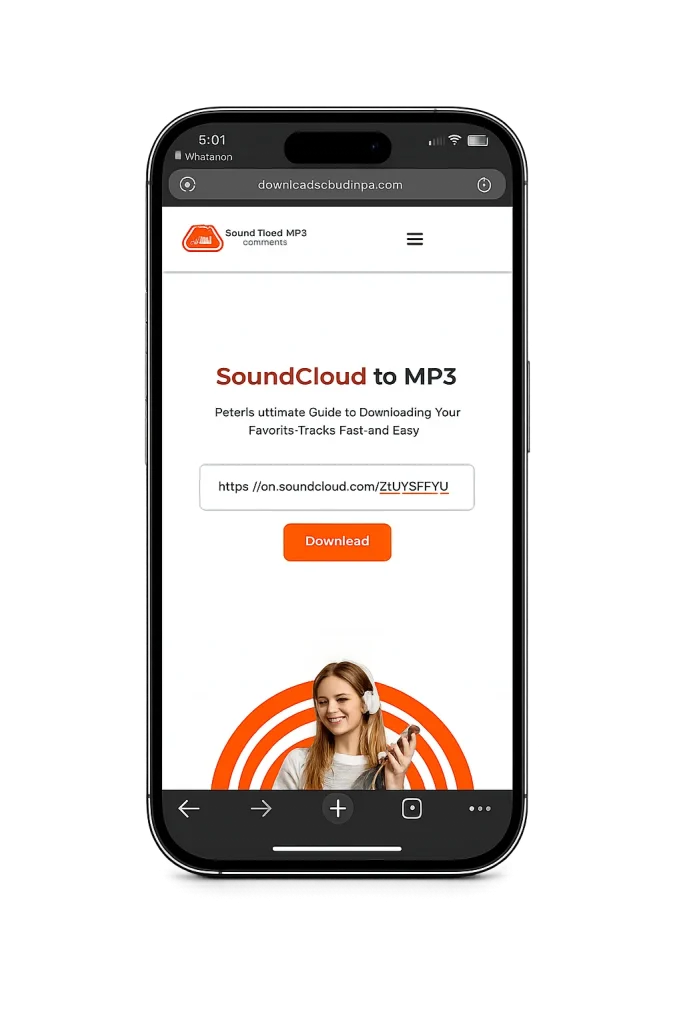
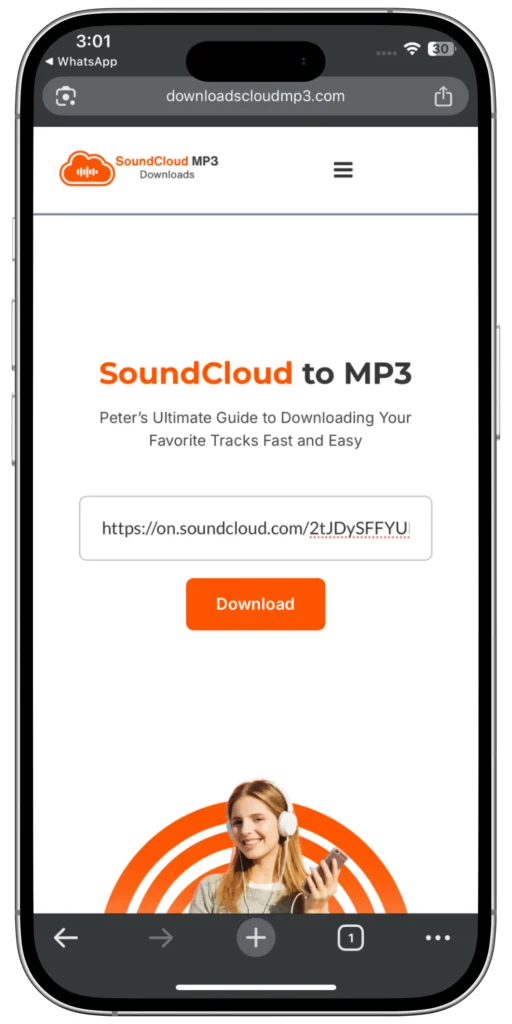
3) Paste the URL into SCloud
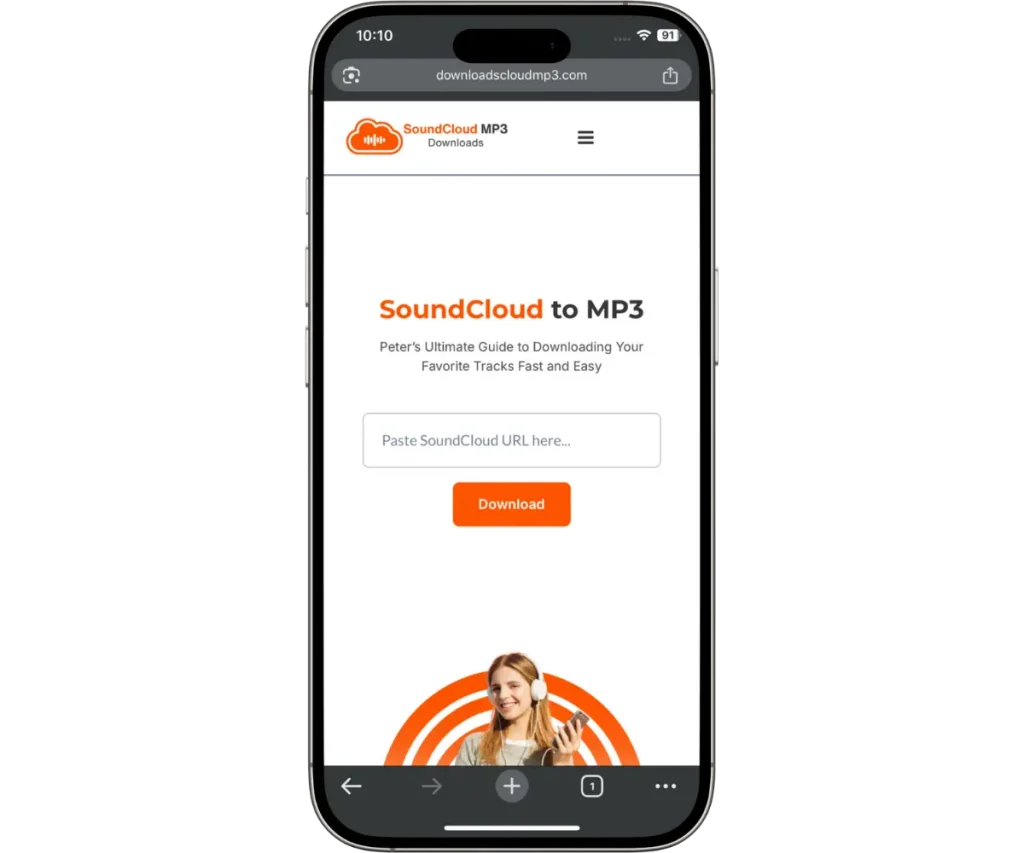
Paste the URL into the big input box right on the homepage.
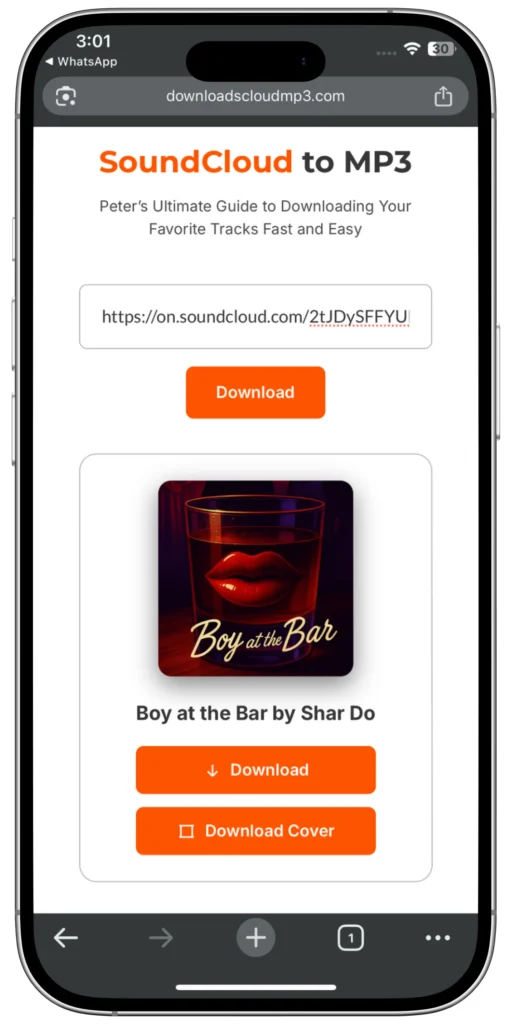
4) Choose Your Download Options
It’s automatically set to highest quality already, so you don’t have to worry about it! Or you can upgrade to SCloud for a more higher quality!
5) Hit “Download” and Enjoy!
Click the download button, wait a few seconds while the conversion happens, and your MP3 file will be ready to save.

Choose Your Audio Quality
Not sure which quality to pick? Here’s what each bitrate means for your listening experience.
My recommendation: Use 320kbps for the best listening experience — you’ll hear the difference on good headphones or speakers. But if you’re tight on storage or downloading a lot of tracks, 192kbps is a great middle ground that still sounds excellent.
One place for every format.
Convert your audio to the format that fits your needs — from everyday listening to professional editing and lossless storage.
Small. Compatible. Ready to go.
The everyday choice for listening, sharing and keeping your audio files lightweight.
Maximum audio detail.
Uncompressed audio designed for editing, production and workflows where preserving the original audio matters.
Keep the quality. Lose less space.
Preserve your audio without compression loss while keeping files more efficient than uncompressed WAV.
Quality without the extra weight.
A practical choice when you want high-quality audio with efficient file sizes and broad device support.
Why Convert SoundCloud to MP3? Here’s SCloud’s Story!
I love discovering fresh music on SoundCloud, but I always found it frustrating that saving tracks for offline listening wasn’t always straightforward.
I wanted something quick, simple, and browser-based — so I built SCloud.
What started as a simple SoundCloud downloader has grown into a complete audio toolkit, with SoundCloud downloads, playlist support, and audio conversion between MP3, WAV, FLAC and M4A.
One simple idea: make working with audio easier.
What Exactly Is SoundCloud to MP3 Conversion?
SoundCloud to MP3 conversion lets you save supported audio as an MP3 file for offline listening and personal use.
MP3 is one of the most widely supported audio formats, working across phones, computers, cars, music players, and other devices. It also keeps file sizes relatively small while maintaining good audio quality.
With SCloud, you can provide a supported SoundCloud URL and download the available audio as an MP3 file — without installing additional software.

Download Supported SoundCloud Playlists
Found a playlist you want to save? SCloud lets you process supported SoundCloud playlist URLs without having to enter every track individually.
Paste the playlist URL into SCloud and process the available tracks in one place, making it easier to save your music for offline listening.
About SCloud
Hey there! I’m the person behind SCloud — a developer and music lover who wanted a simpler way to work with audio online.
I started SCloud because I was frustrated with tools that were overloaded with ads, complicated to use, or unreliable. I wanted something cleaner: a straightforward place to download supported SoundCloud audio and work with your own audio files.
Since then, SCloud has grown into more than a downloader. You can now download supported tracks and playlists, convert audio between MP3, WAV, FLAC and M4A, and manage your downloads in one place.
The goal has stayed simple: make working with audio easier.

Get Better Audio Quality — Simple Tips
Why I’m Proud of SCloud— And Why You’ll Love It Too
SCloud started with one goal: make everyday audio tasks easier.
Download supported SoundCloud tracks, process playlists, or convert your own files between MP3, WAV, FLAC and M4A — all from your browser.
No complicated software. Just the tools you need.

How to Organize Your Soundcloud Downloads With SCloud
Once you’ve downloaded your tracks, here’s how to get the most out of them:
1) Listen Offline
Use your music player app to organize by genre, mood, or artist & truly offline
2) Organize Your Library
Save your MP3 files on cloud storage or external drives so you never lose them.
3) Convert Formats
Convert your own audio between MP3, WAV, FLAC and M4A whenever you need another format.
4) Rename Your Files
Use clear file names, metadata and folders to keep your personal audio library tidy.
Everything You Need, In One Place With SCloud
- SoundCloud Downloads: Download supported tracks directly from your browser.
- Playlist Support: Process supported playlists without entering every track manually.
- Audio Converter: Convert your own files between MP3, WAV, FLAC and M4A. Browser-Based:
- No desktop software required to get started. Pro Features: Unlock higher limits, additional tools and a more complete SCloud experience.
Frequently Asked Questions (FAQs)
Everything You Need to Work With Audio
SCloud started with a simple idea: make downloading and working with audio easier. Today, you can download supported SoundCloud tracks and playlists, convert your own audio between MP3, WAV, FLAC and M4A, and access everything directly from your browser.
Whether you’re saving a track for offline listening or converting a file for your next project, SCloud gives you the tools to get it done without unnecessary complexity.